Display Your Cherished Memories in Stunning HD with DigiMeby Digital Picture Frame
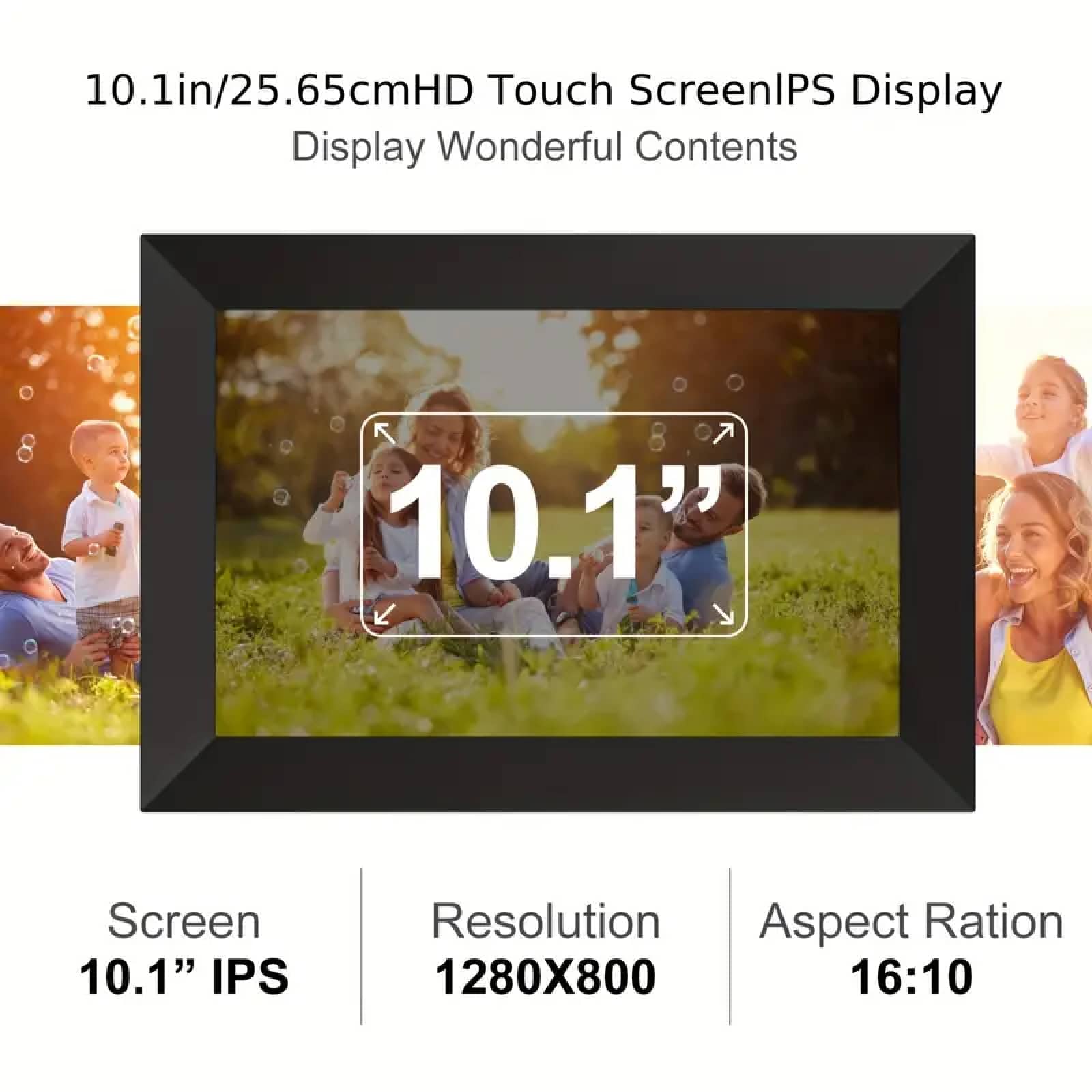
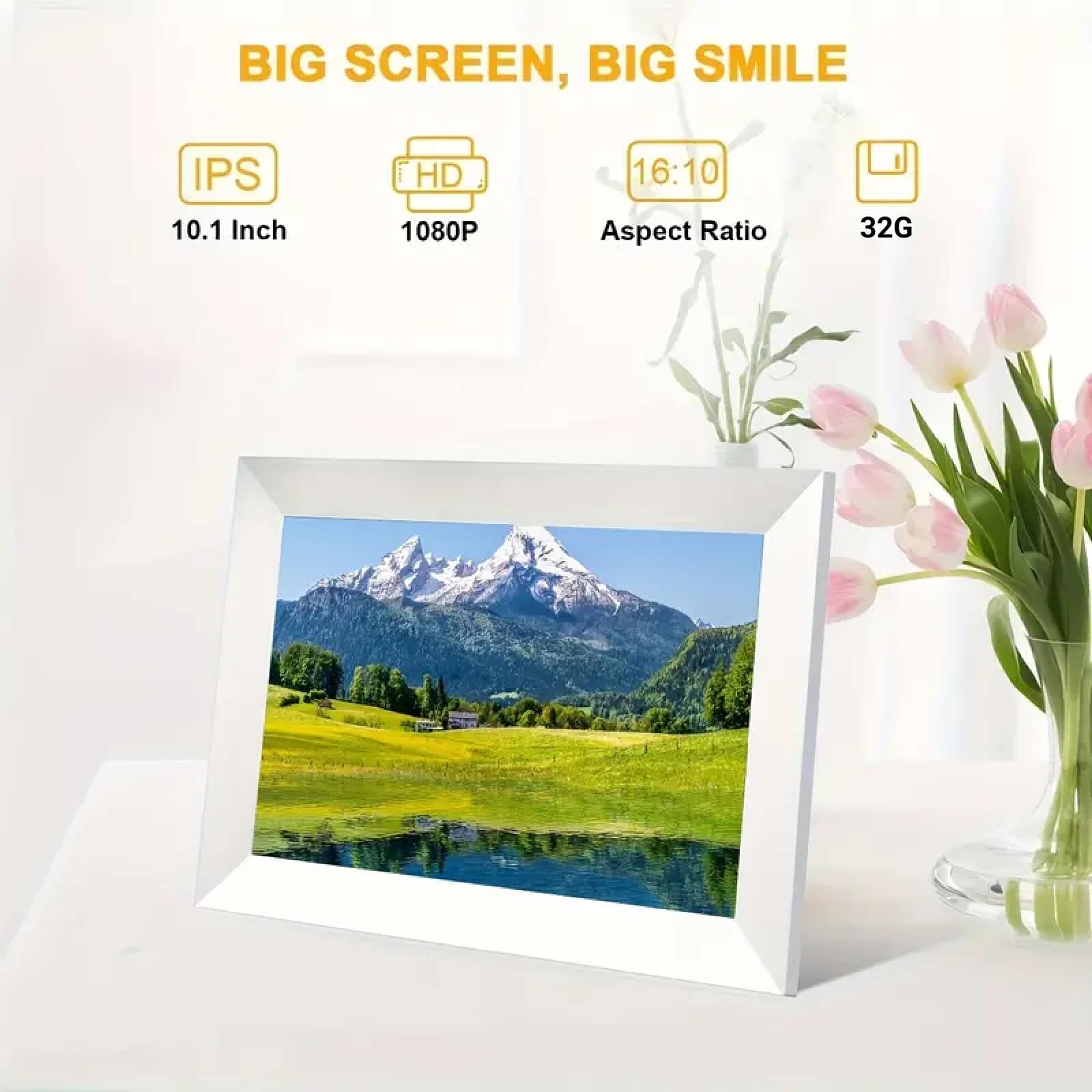
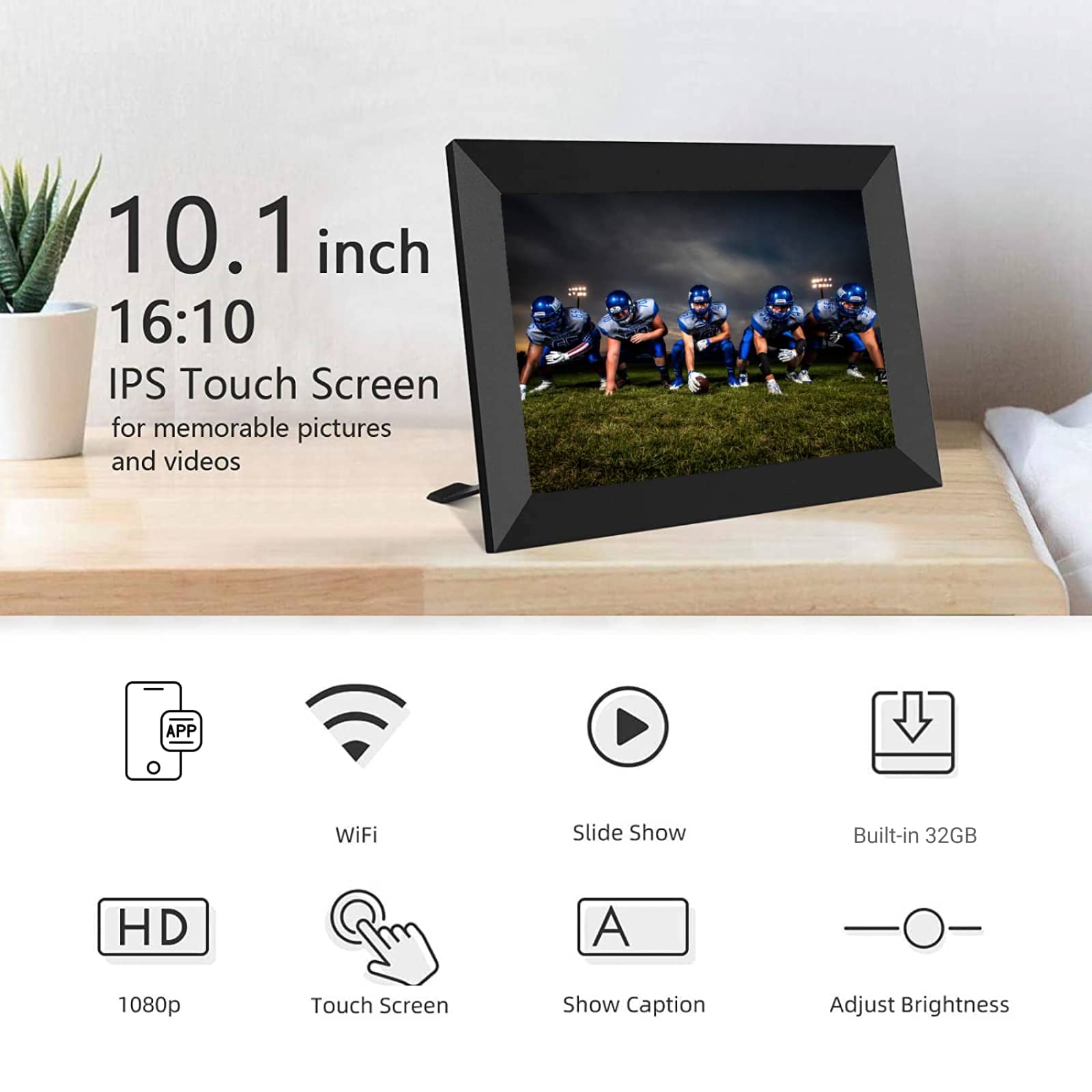
The DigiMeby Digital Picture Frame brings your photos to life with a 10.1-inch IPS display, 1080p HD resolution, and 32GB storage. Enjoy effortless sharing via Wi-Fi and a user-friendly touch screen interface.
Experience Crystal-Clear Memories with DigiMeby Digital Picture Frame
Looking For A Frame That Displays Photos Vibrantly?
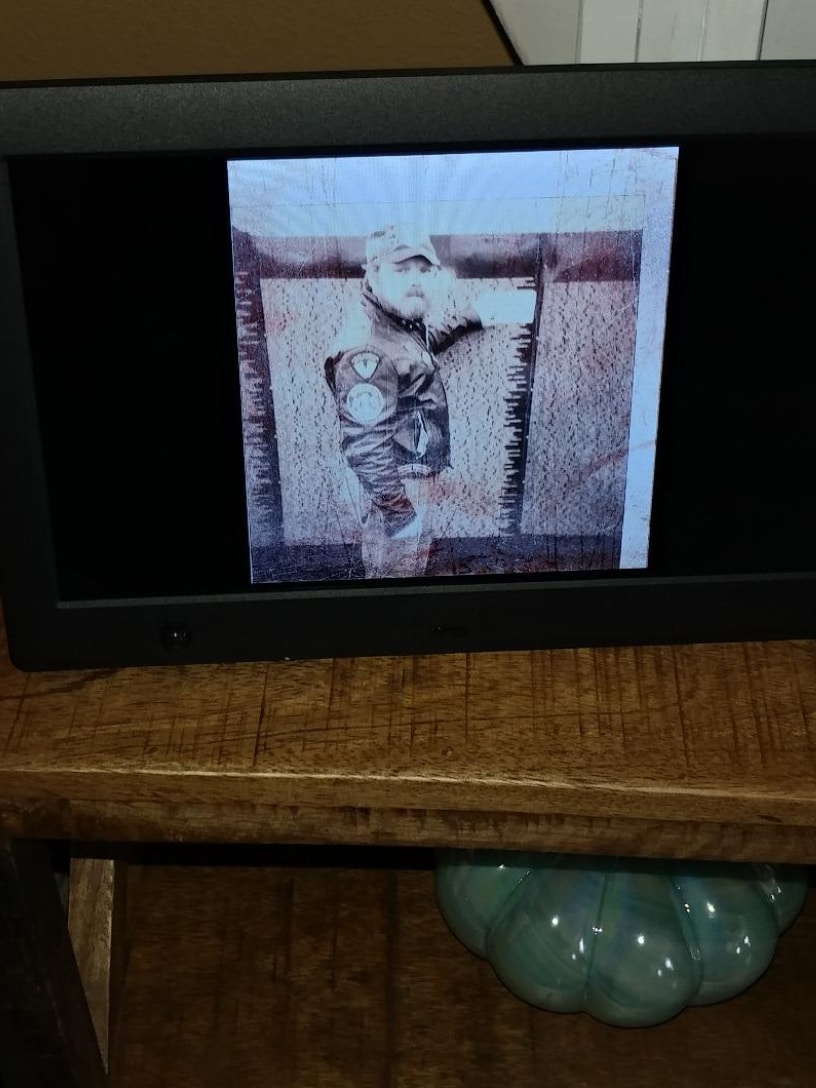
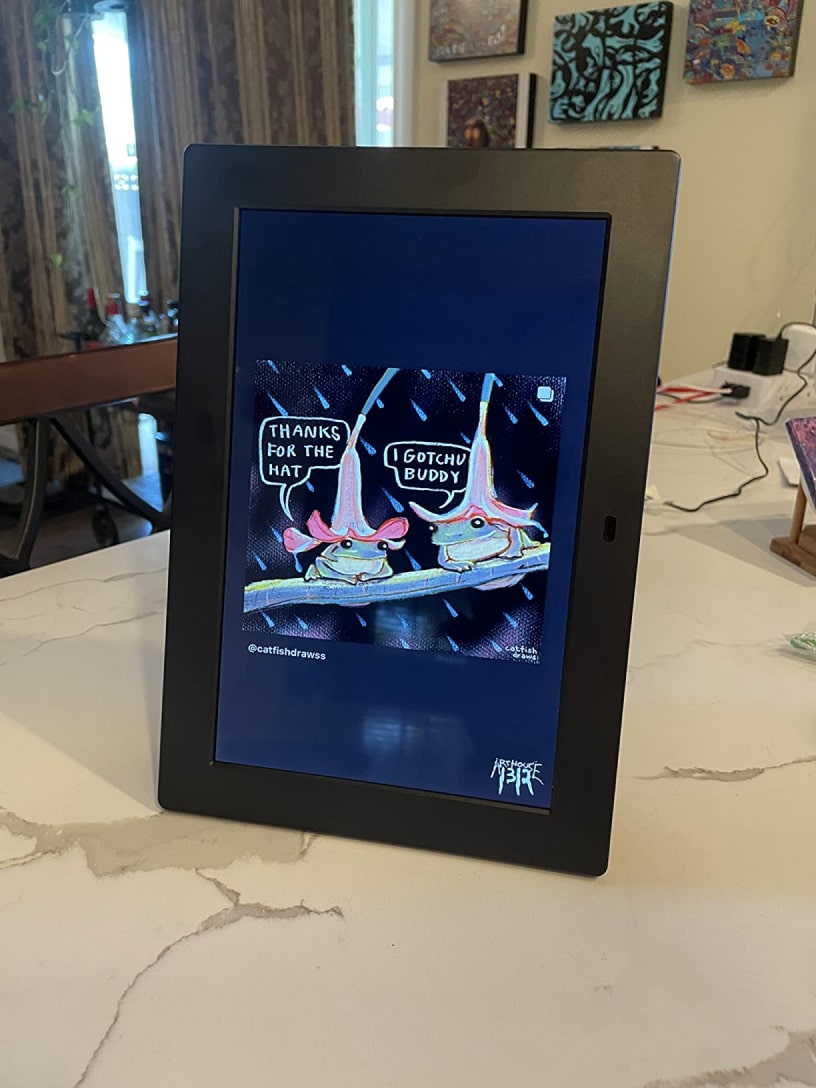
The DigiMeby Digital Picture Frame features a 10.1-inch IPS display with 1080p HD resolution, ensuring your photos are displayed with vibrant colors and sharp details. The wide viewing angles make it perfect for any room, allowing everyone to enjoy your cherished memories in stunning clarity.
Tired Of Running Out Of Storage For Memories?
With 32GB of internal storage, the DigiMeby Digital Picture Frame can hold thousands of photos and videos, so you never have to worry about running out of space. Easily organize and access your media, ensuring your favorite moments are always at your fingertips.
Worried About Complicated Photo Sharing Processes?
The DigiMeby Digital Picture Frame simplifies photo sharing with Wi-Fi connectivity. Upload photos directly from your phone or computer, and instantly share them with friends and family. No more hassle with cables or complicated setups—just seamless, instant updates.
Join 10,000+ Homes Enjoying DigiMeby Digital Picture Frame
4.8 rating based on total orders
Enhance Your Home with the Versatile DigiMeby Digital Picture Frame
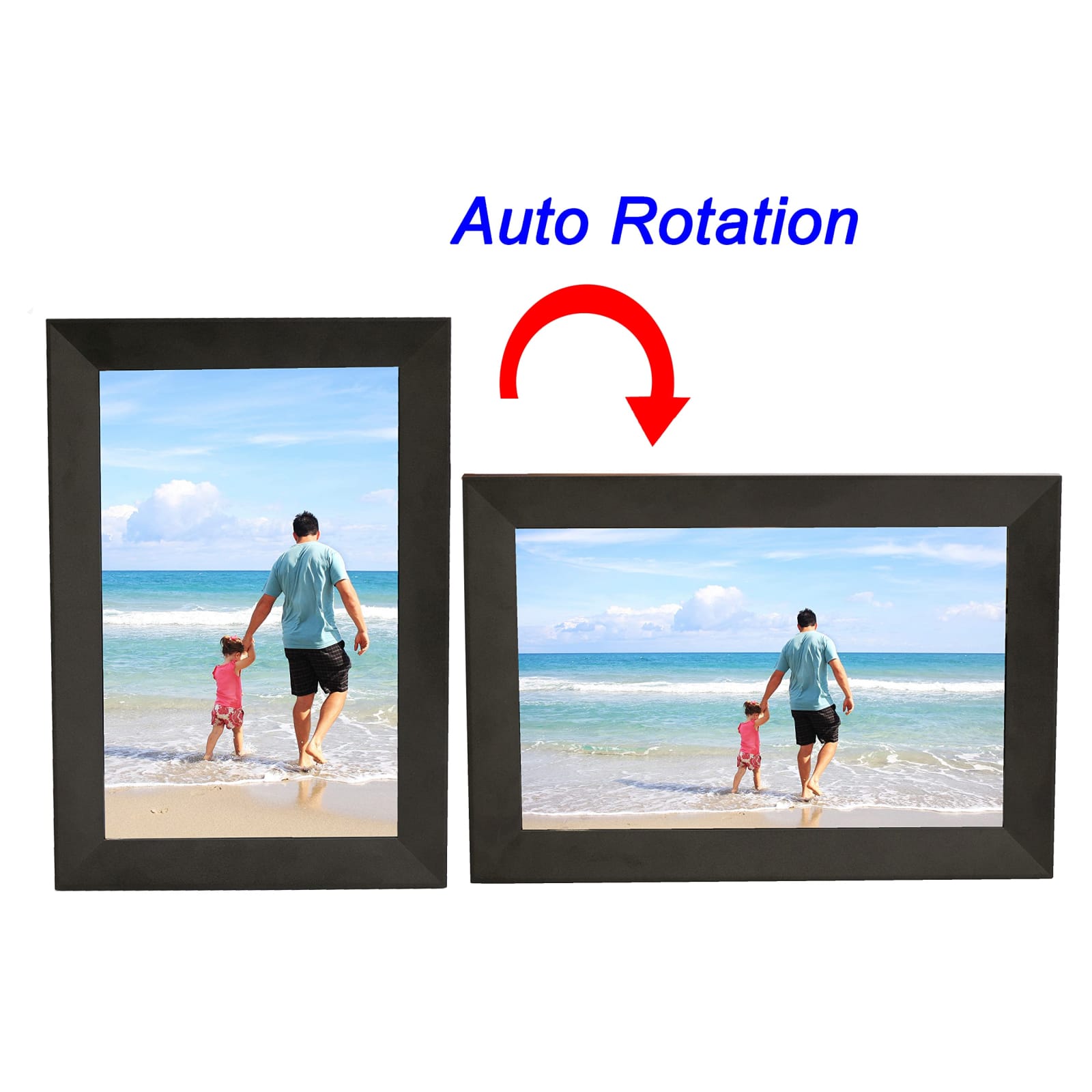
The DigiMeby Digital Picture Frame is designed for convenience and versatility. Its auto-rotation feature adapts to your display preferences, while support for multiple photo and video formats ensures compatibility with all your media. The sleek design blends seamlessly into any decor.
‘The DigiMeby Digital Picture Frame delivers exceptional image quality and user-friendly features, making it a standout choice for displaying digital memories.”
Why DigiMeby Digital Picture Frame Is the Perfect Choice for You
DigiMeby FEATURES ALL YOU CAN EXPECT:
STUNNING VISUAL QUALITY
The 1080p HD IPS display ensures every photo and video is presented with exceptional clarity and vibrant colors, bringing your memories to life in breathtaking detail.
GENEROUS STORAGE CAPACITY
With 32GB of internal storage, you can store thousands of photos and videos, ensuring all your favorite memories are always accessible.
VERSATILE DISPLAY OPTIONS
Auto-rotation and support for multiple formats allow you to display your photos and videos in the orientation and style that suits your preferences.
EFFORTLESS PHOTO SHARING
Wi-Fi connectivity makes it easy to upload and share photos instantly, so friends and family can enjoy your latest memories from anywhere.
USER-FRIENDLY INTERFACE
The intuitive touch screen interface makes navigating your photo collection and adjusting settings simple and enjoyable for users of all ages.
SEAMLESS CONNECTIVITY
Wi-Fi and TF card support ensure quick and convenient updates to your photo collection, keeping your frame fresh with new memories.
IMAGE GALLERY
What's Included in Your Package?
Digital Picture Frame
Charging Cable
User Manual
24/7 Customer Support
We understand the value of your time. That’s why our team is trained to respond promptly and efficiently, ensuring your queries and issues are addressed without unnecessary delays.
Meet The DigiMeby
Frequently Asked Questions
How do I upload photos to the DigiMeby Digital Picture Frame?−
You can upload photos to the DigiMeby Digital Picture Frame via Wi-Fi or by using a TF card. Simply connect to your home network or insert the card to transfer your media.
What photo and video formats does the DigiMeby Digital Picture Frame support?+
The DigiMeby Digital Picture Frame supports JPEG, JPG, PNG, and WEBP photo formats, as well as MP4, M4V, 3GP, and MOV video formats for versatile media playback.
Can I use a TF card with the DigiMeby Digital Picture Frame?+
Yes, the DigiMeby Digital Picture Frame supports TF cards, allowing you to easily import and export photos and videos without needing a Wi-Fi connection.
Does the DigiMeby Digital Picture Frame support auto-rotation?+
Yes, the DigiMeby Digital Picture Frame features auto-rotation, so your photos will automatically adjust to the frame's orientation for optimal viewing.
How many photos can the DigiMeby Digital Picture Frame store?+
With 32GB of storage, the DigiMeby Digital Picture Frame can hold thousands of photos, depending on their resolution and file size.
Is the DigiMeby Digital Picture Frame easy to set up?+
Yes, the DigiMeby Digital Picture Frame is designed for easy setup. The intuitive touch screen interface guides you through the process step by step.
Can I add captions to my photos on the DigiMeby Digital Picture Frame?+
Yes, you can add captions to your photos on the DigiMeby Digital Picture Frame, allowing you to personalize and enhance your displayed memories.
Does the DigiMeby Digital Picture Frame require an internet connection?+
An internet connection is only required for Wi-Fi photo uploads. The DigiMeby Digital Picture Frame can operate offline once photos are stored.
TOP #1 Digital Picture Frame
Trusted by Thousands of Satisfied Customers
Sarah J.
The DigiMeby Digital Picture Frame has transformed how I display my family photos. The 1080p HD resolution makes every image look stunning, and the Wi-Fi sharing is incredibly convenient. It’s so easy to use, even my grandparents love it!
Michael T.
I was skeptical about digital picture frames, but the DigiMeby exceeded my expectations. The 32GB storage holds all my vacation photos, and the auto-rotation feature is a nice touch. Highly recommend for anyone looking to showcase their memories.
Emily D.
This frame is perfect for my office. The touch screen interface is intuitive, and the ability to add captions to photos adds a personal touch. The sleek design also complements my decor beautifully.