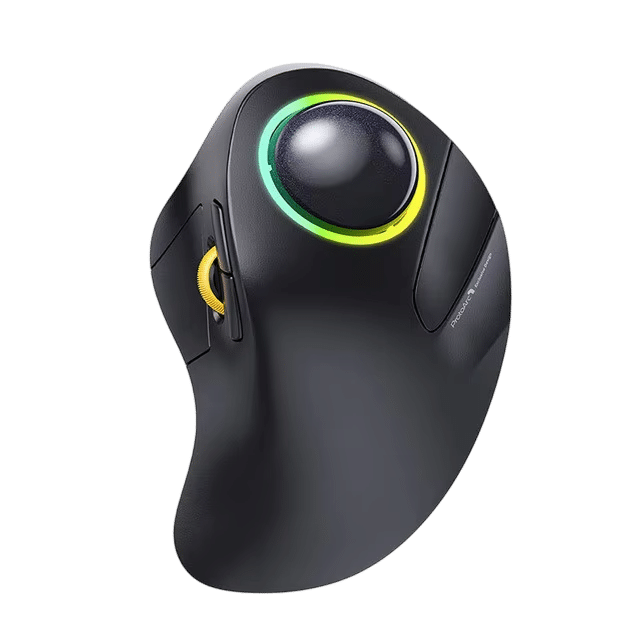
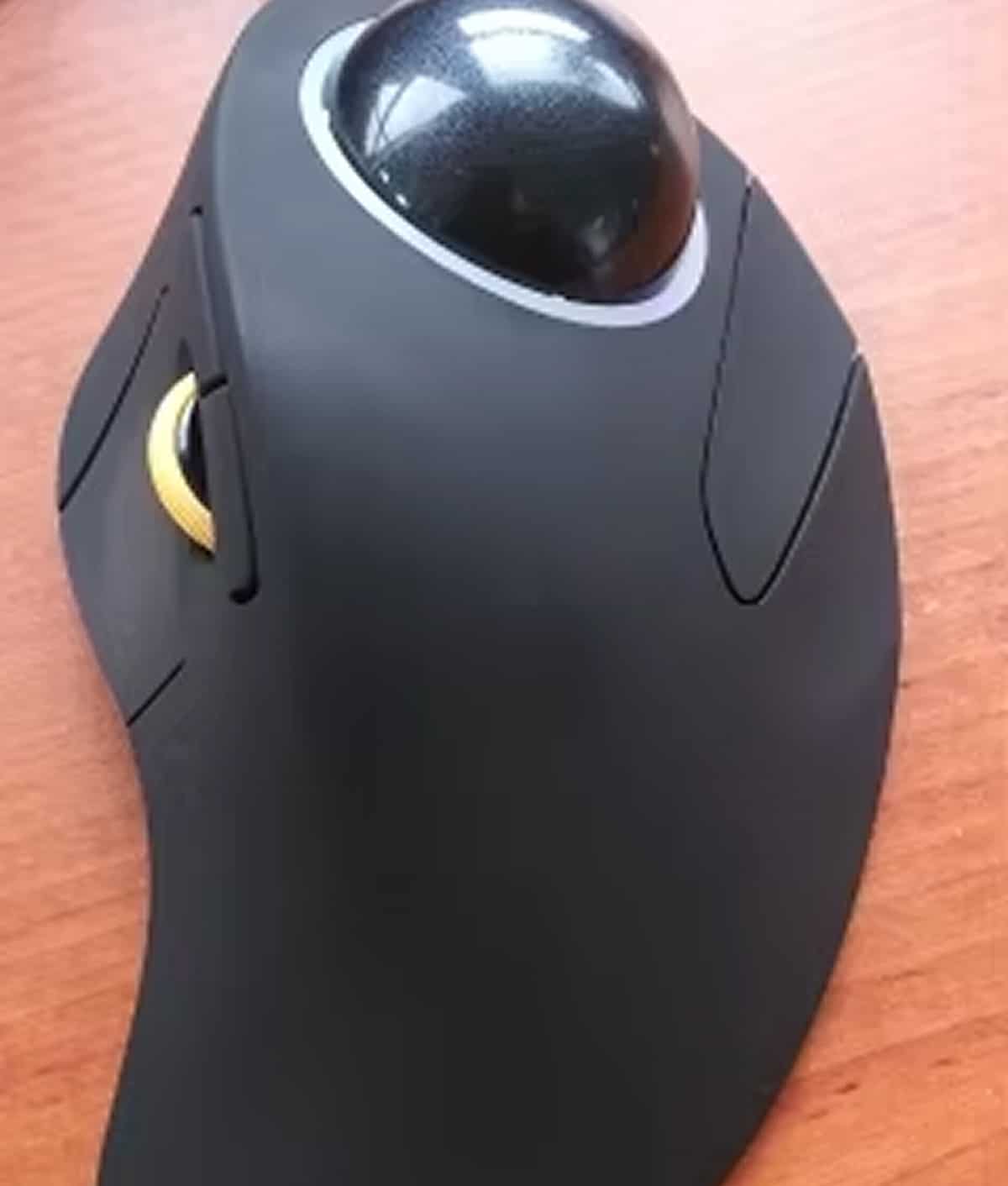
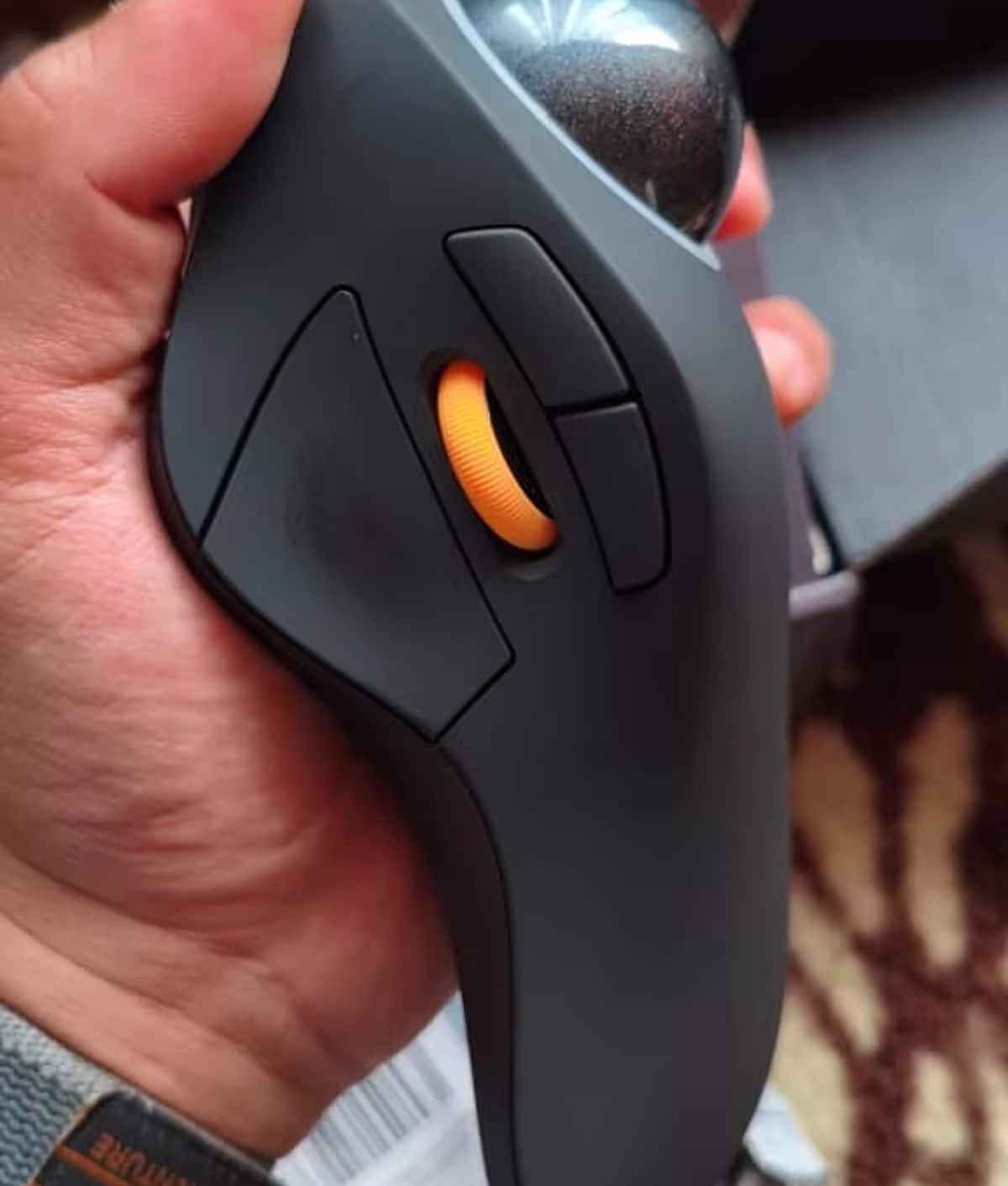
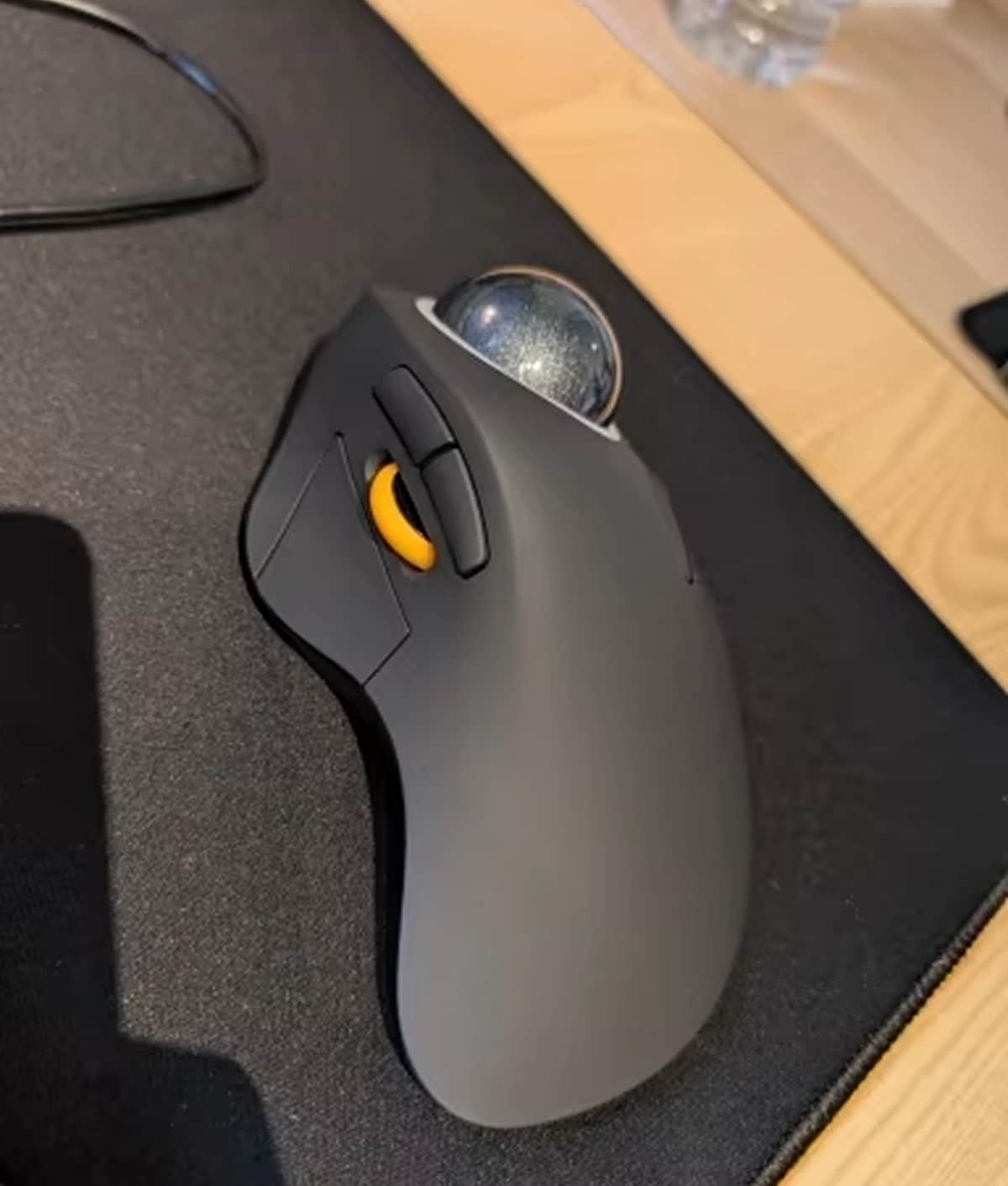
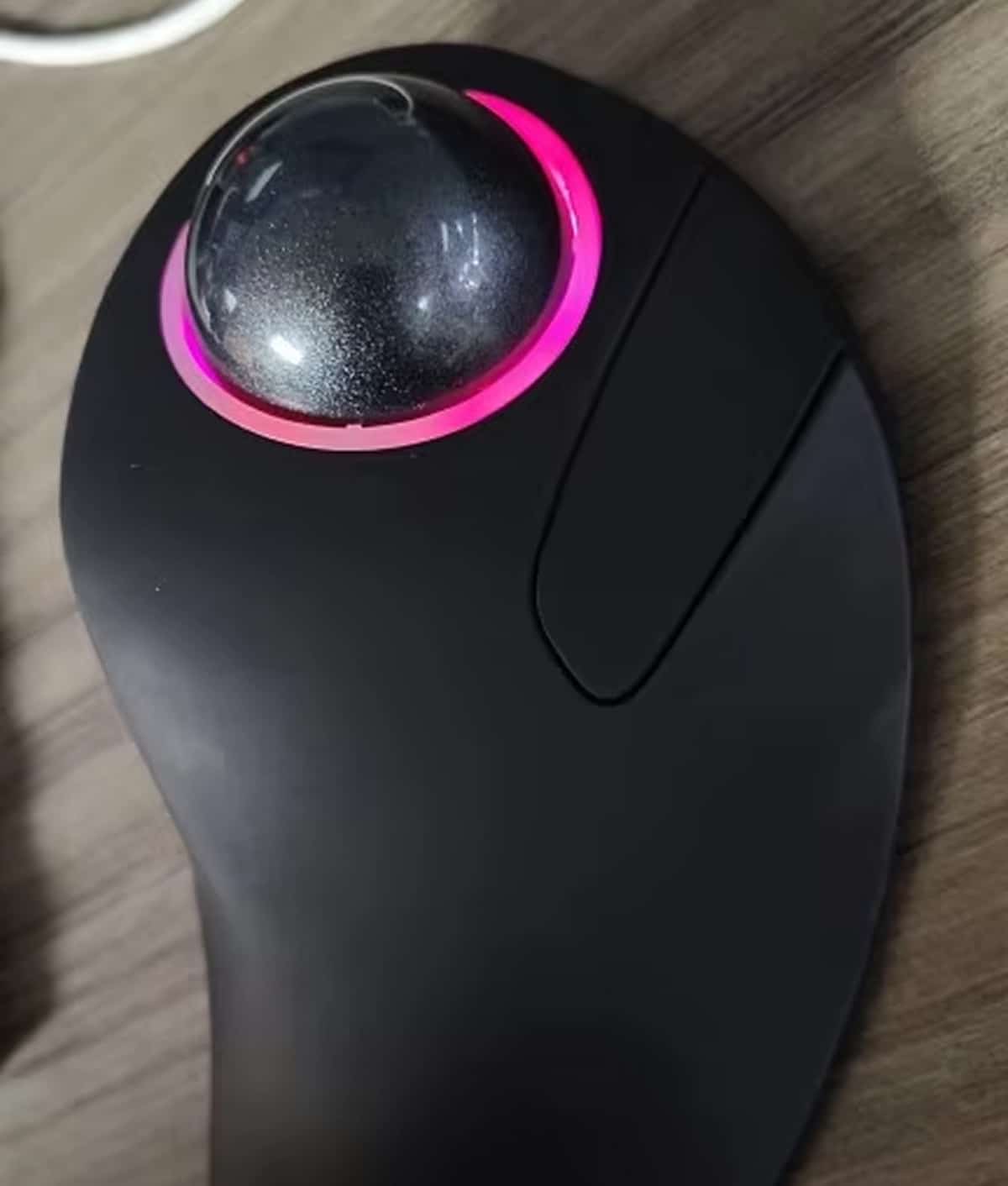
Experience Effortless Precision and All-Day Comfort with the OrbFlexi Trackball Mouse
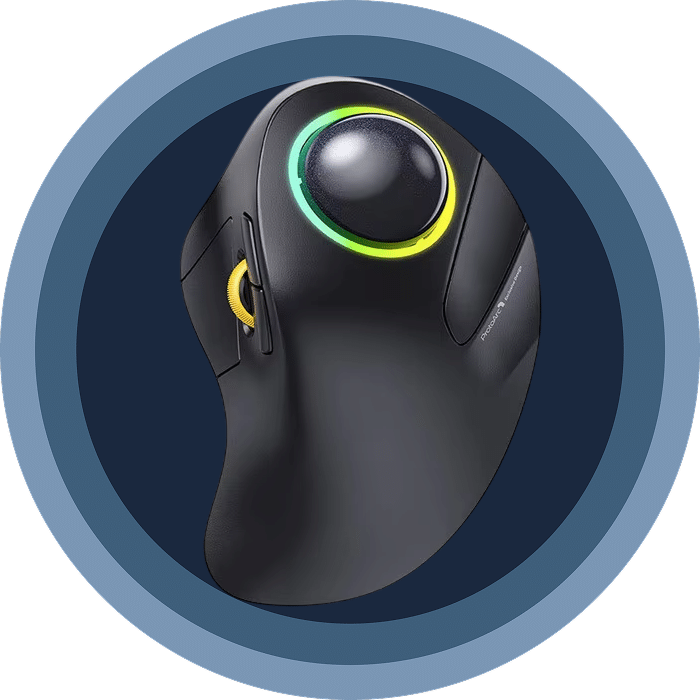
Say goodbye to wrist strain and hello to effortless cursor control. The OrbFlexi Trackball Mouse features innovative index finger operation with a 44mm trackball, ergonomic palm support, and triple device connectivity for maximum productivity.
Discover Why Thousands Are Switching to Finger-Controlled Precision with OrbFlexi Trackball Mouse
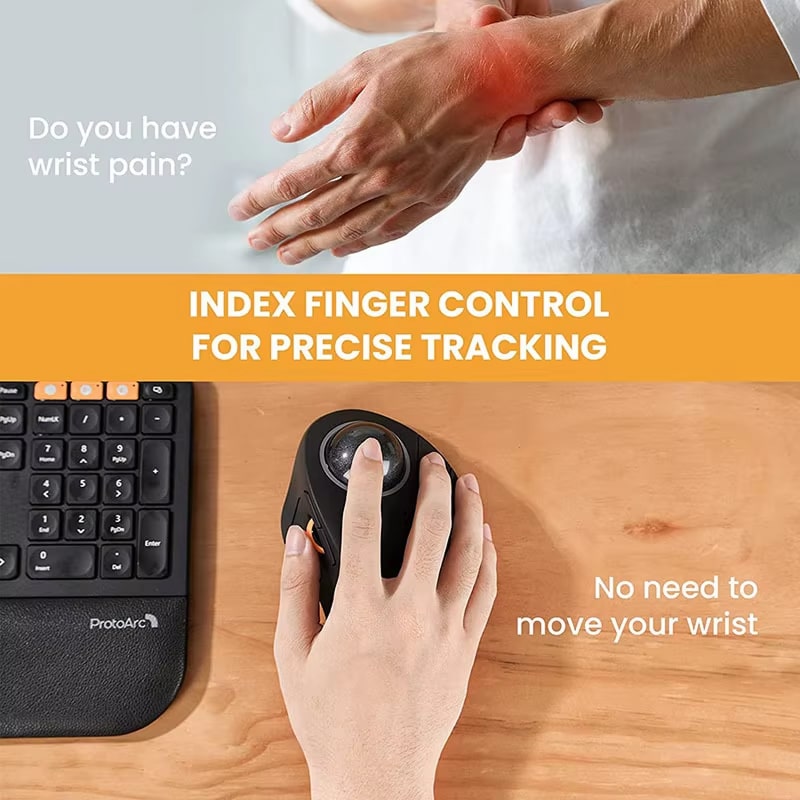
Tired of Constant Wrist and Arm Pain?
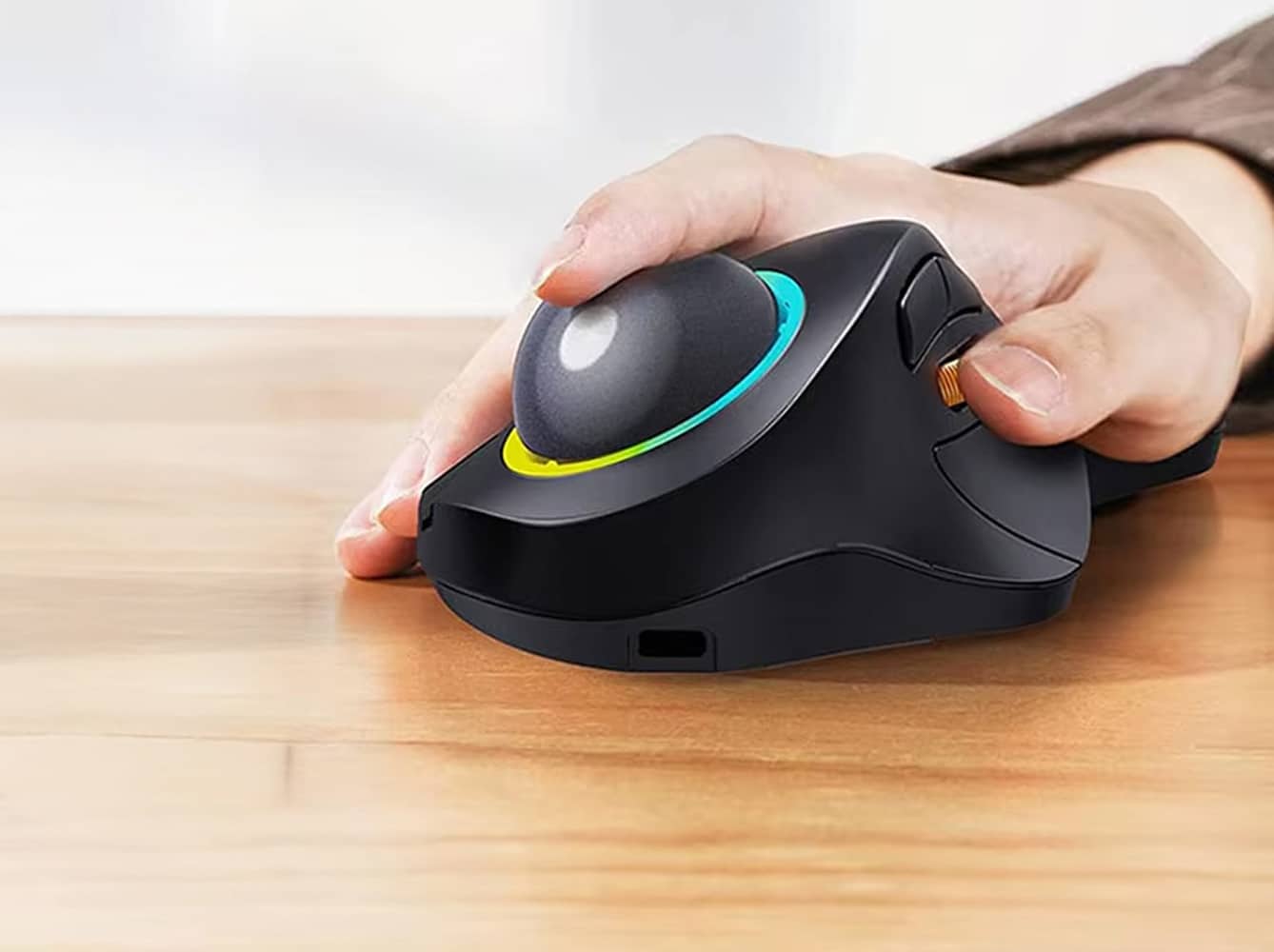
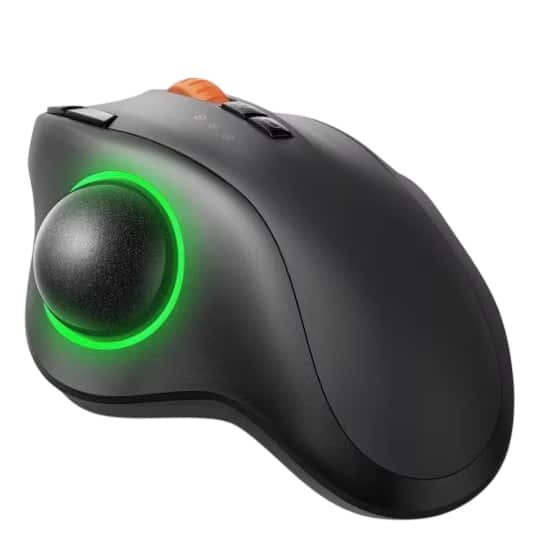
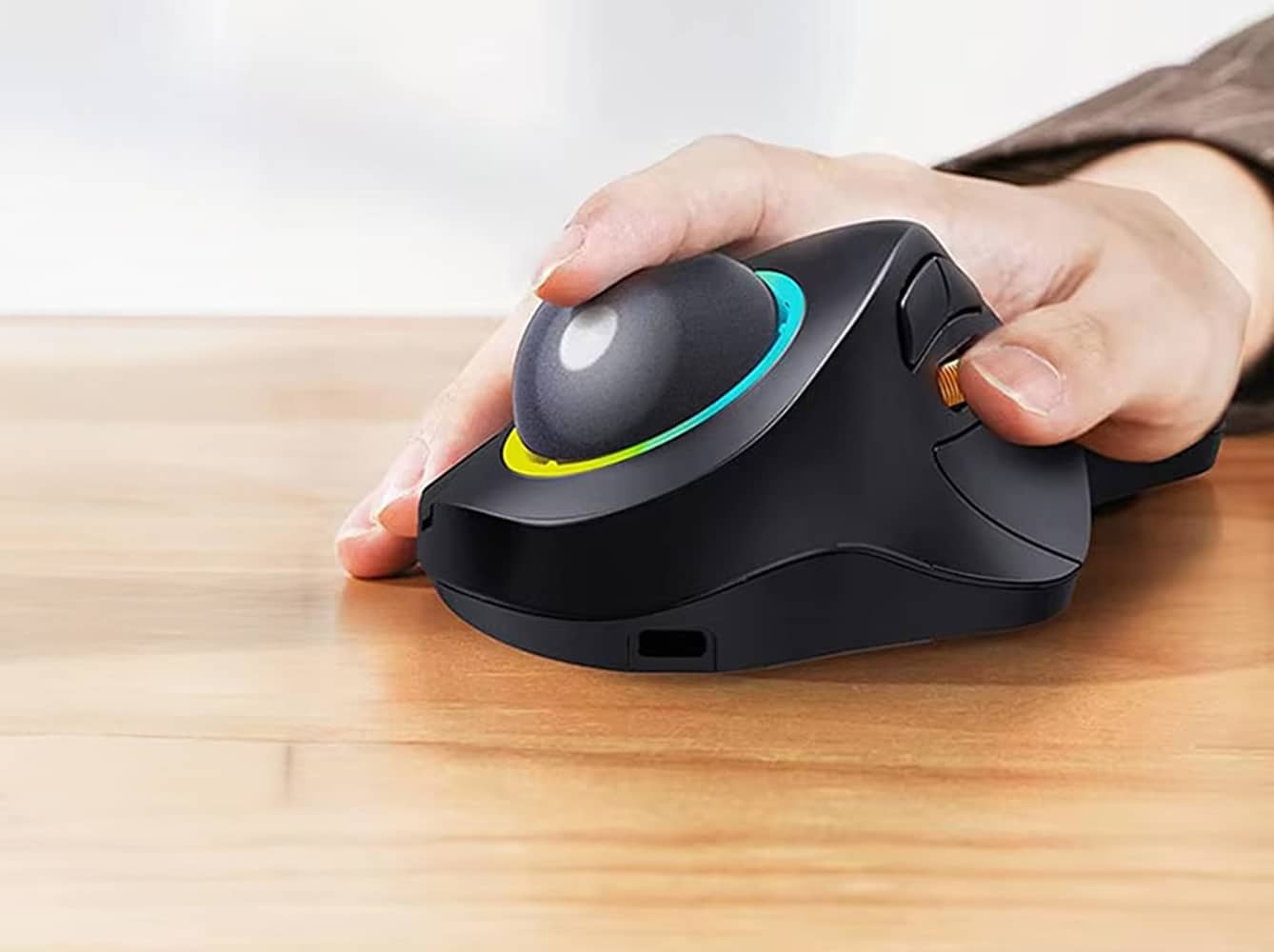
The OrbFlexi Trackball Mouse eliminates repetitive wrist and arm movements with its innovative 44mm trackball design. Control your cursor with just one finger instead of moving your entire arm, effectively reducing fatigue and strain during extended work sessions.
Looking for Precise Cursor Control Without Effort?
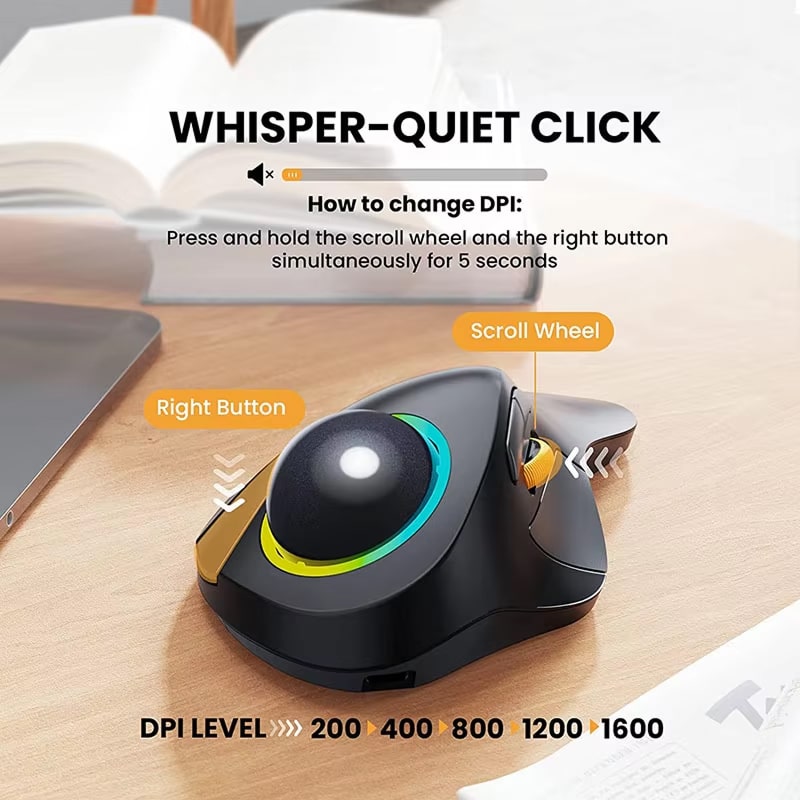
Experience unmatched precision with the Instant A704F sensor delivering 7200 DPI accuracy. The OrbFlexi Trackball Mouse offers five adjustable DPI levels and whisper-quiet clicks, ensuring smooth, accurate cursor movement for detailed design work or everyday browsing.
Worried About Battery Replacements and Cable Clutter?
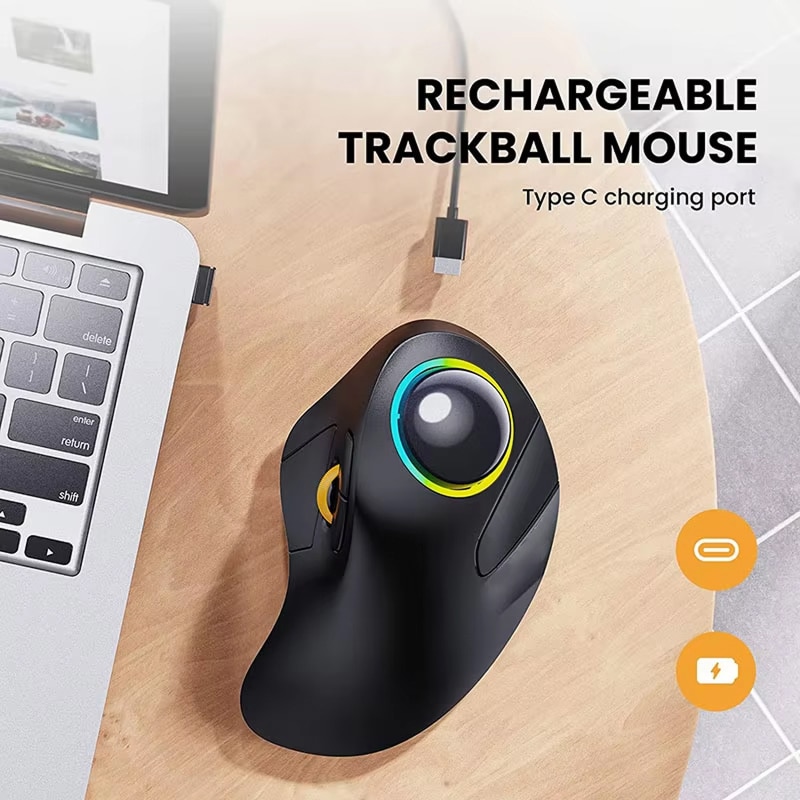
Never worry about dead batteries again with the OrbFlexi Trackball Mouse’s built-in rechargeable battery. Simply connect the included Type-C cable for quick charging, and enjoy weeks of wireless operation without the hassle of battery replacements or extra costs.
Seamless Multi-Device Control Meets Whisper-Quiet Performance and Ergonomic Excellence
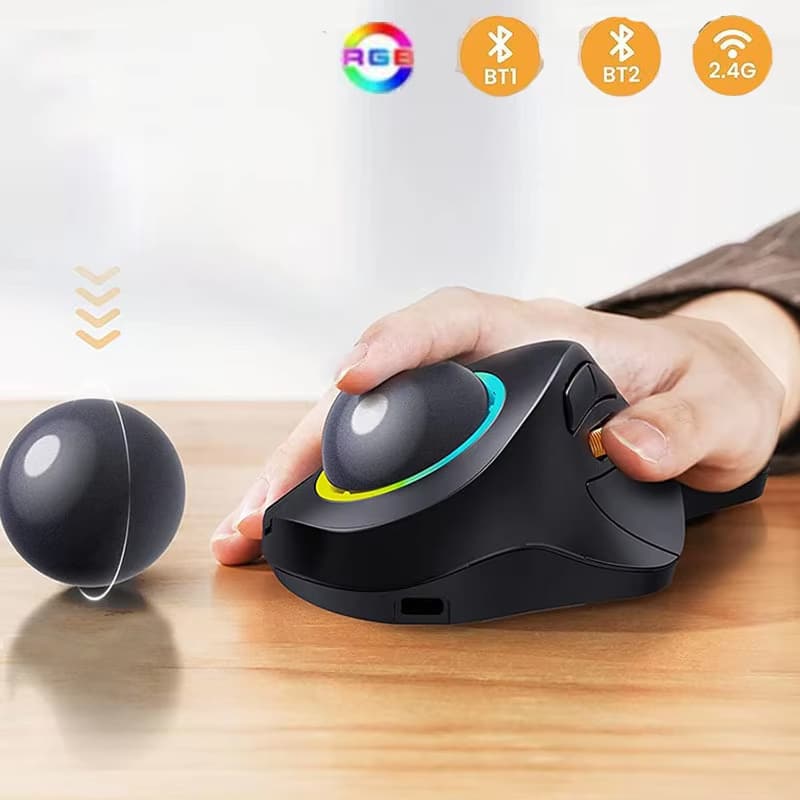
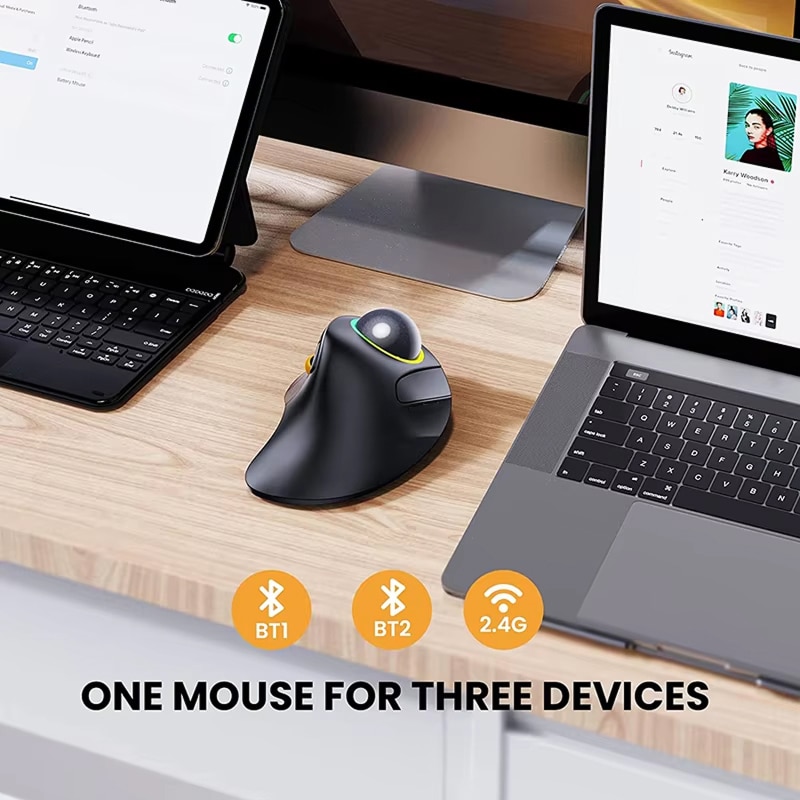
Switch effortlessly between three devices with Bluetooth and 2.4G connectivity. The ultra-long hand rest keeps your palm naturally positioned while whisper-quiet clicks ensure distraction-free work in any environment.
Triple connection: 2.4G + dual Bluetooth
Five adjustable DPI levels (100-1600)
Whisper-quiet click technology for silent operation
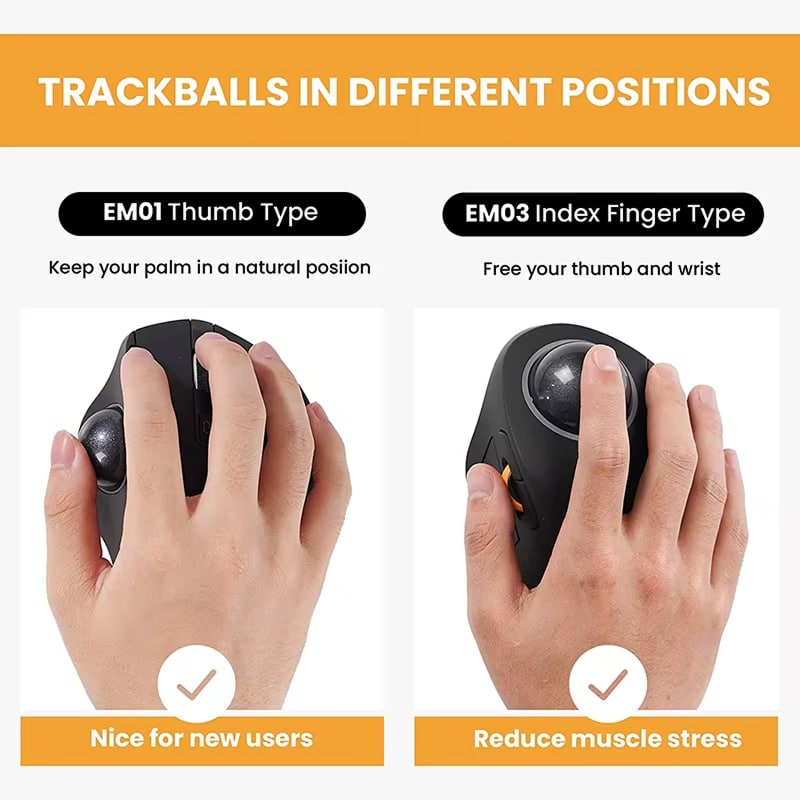
The OrbFlexi’s index finger trackball design represents a significant ergonomic advancement, effectively minimizing repetitive strain injuries while maintaining exceptional cursor precision for professional applications.
Why Choose the Revolutionary OrbFlexi Trackball Mouse for Your Workspace
OrbFlexi FEATURES ALL YOU CAN EXPECT:
ERGONOMIC EXCELLENCE
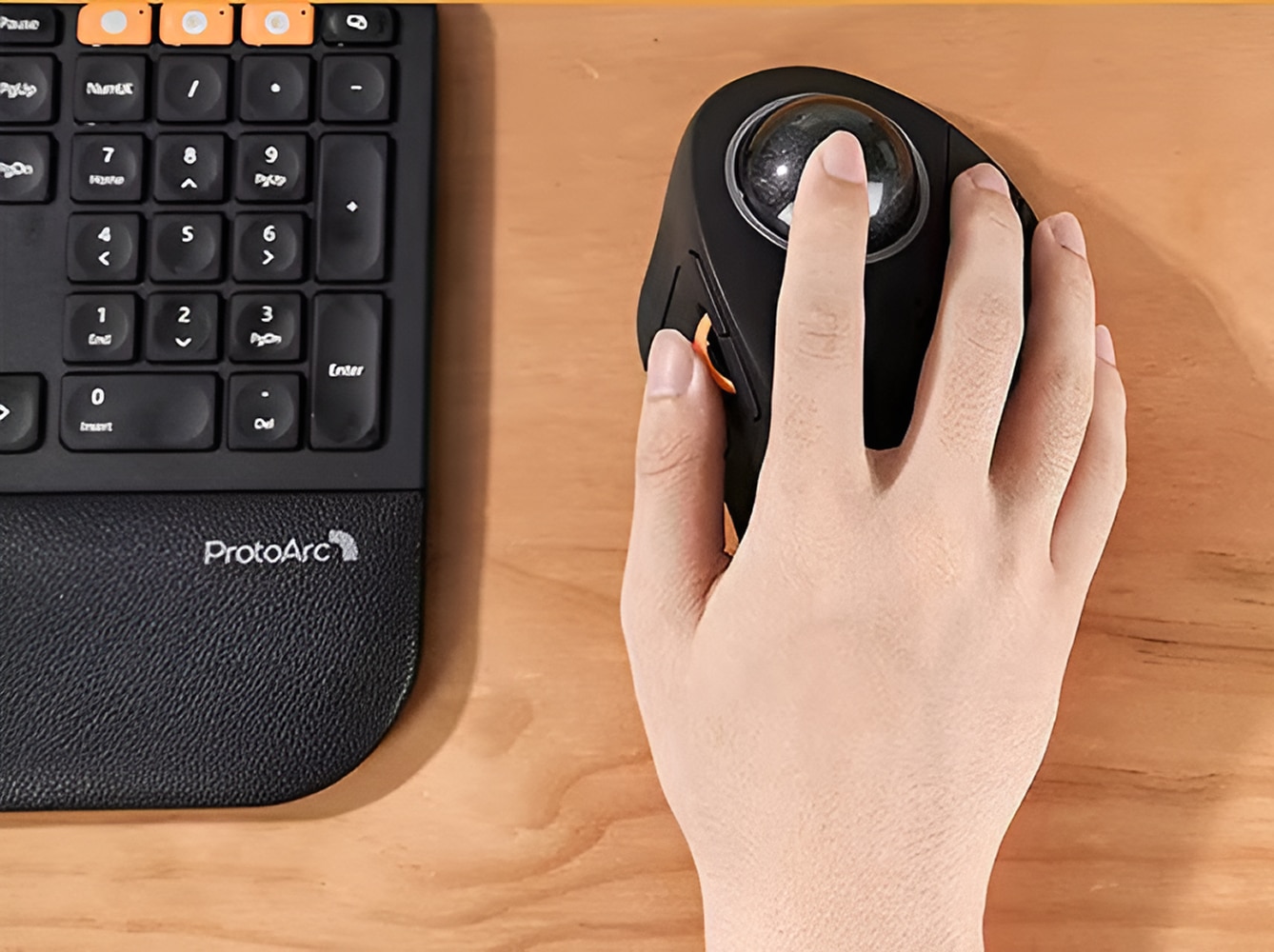
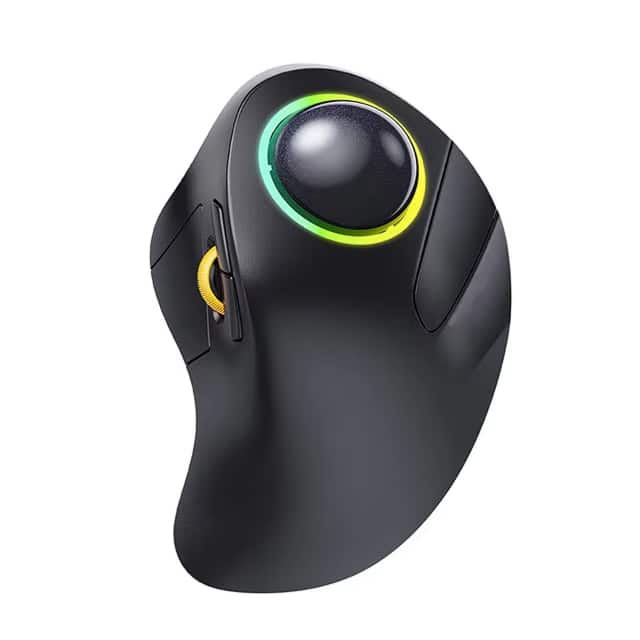
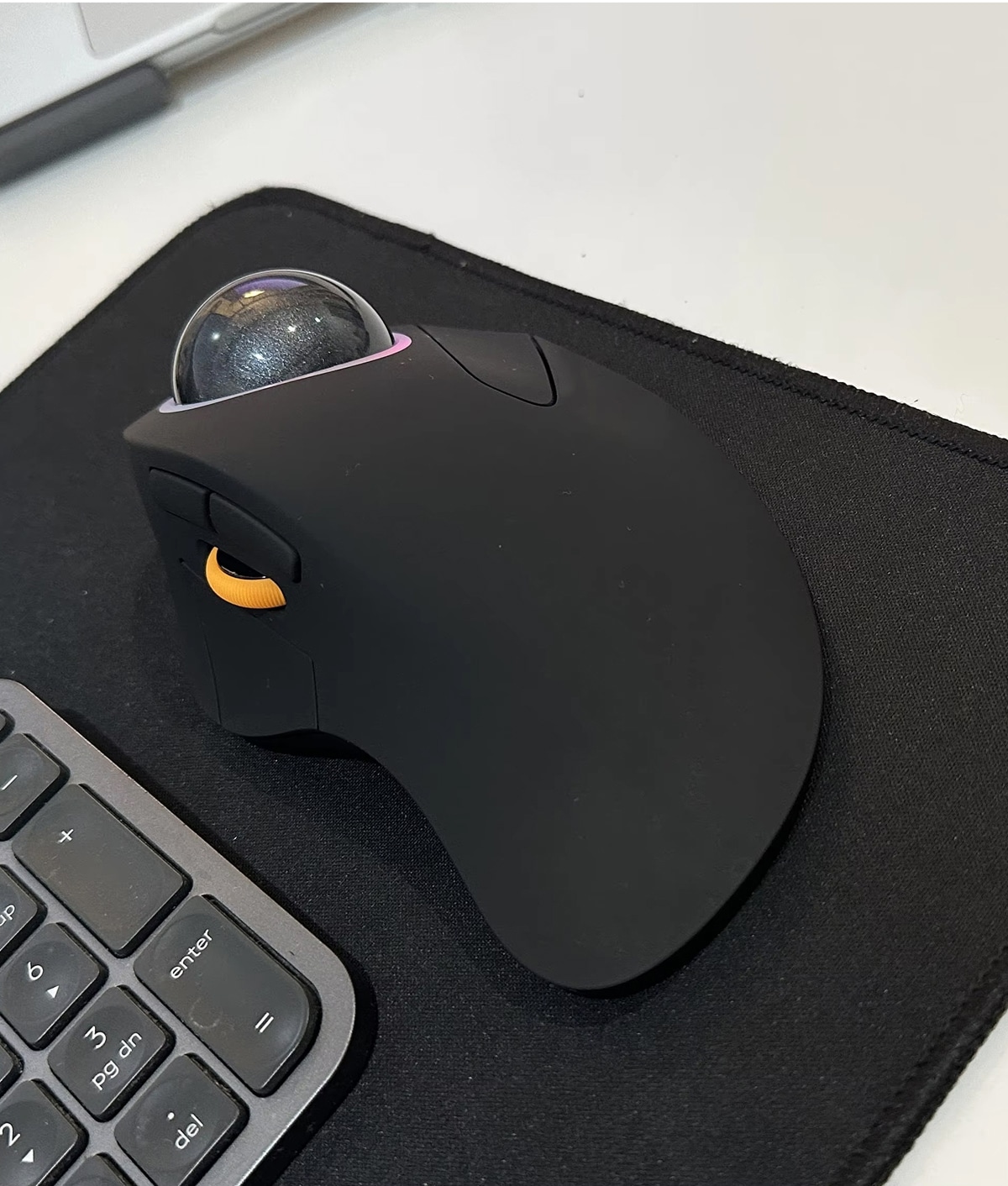
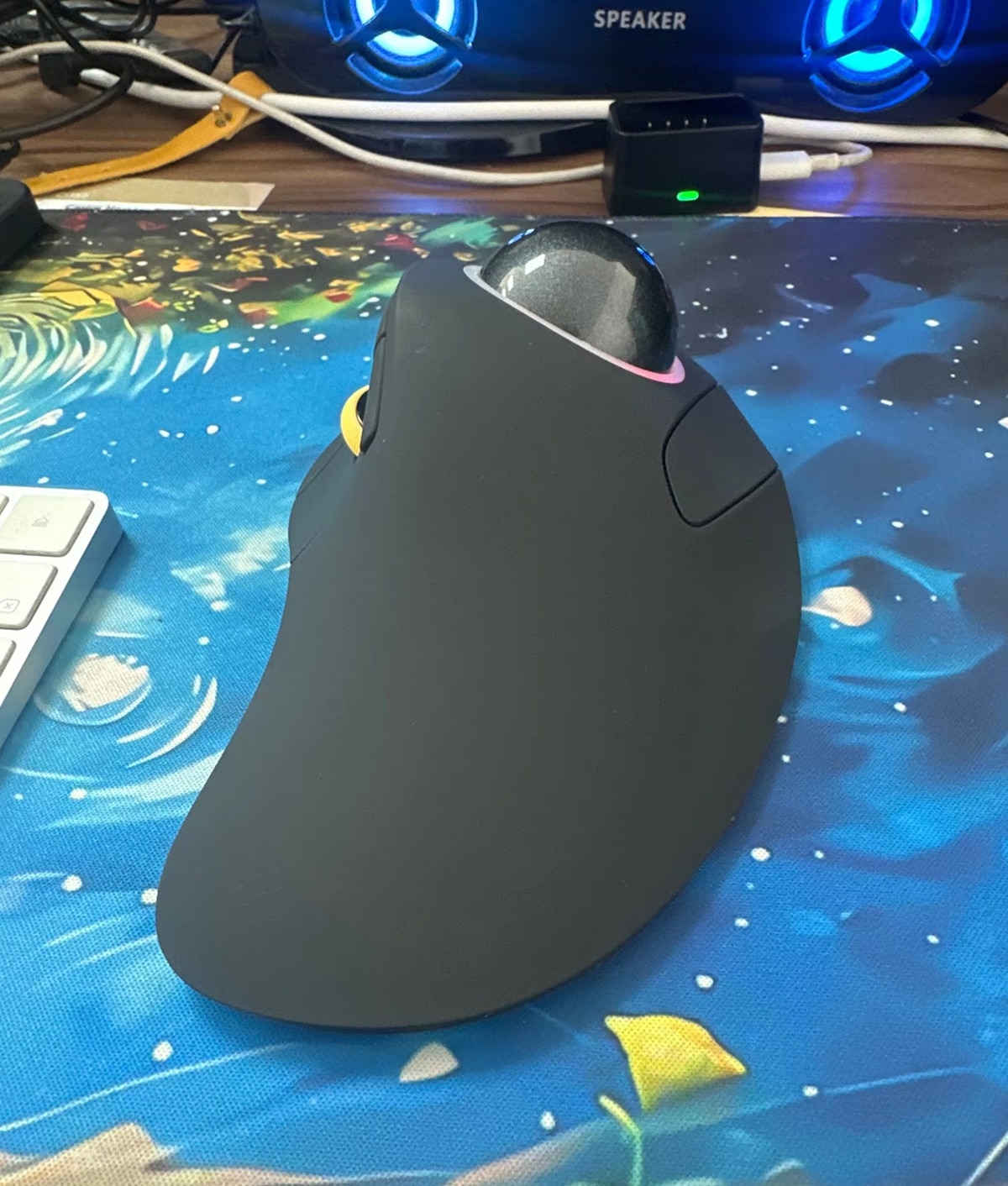
The ultra-long hand rest design allows the OrbFlexi Trackball Mouse to fully cradle your palm in its natural position, reducing arm strain and preventing carpal tunnel syndrome during marathon work sessions.
FINGER-CONTROLLED PRECISION
Move your cursor with effortless one-finger control using the 44mm trackball instead of moving your entire wrist and arm, dramatically reducing fatigue while increasing precision for detailed work.
MULTI-DEVICE PRODUCTIVITY
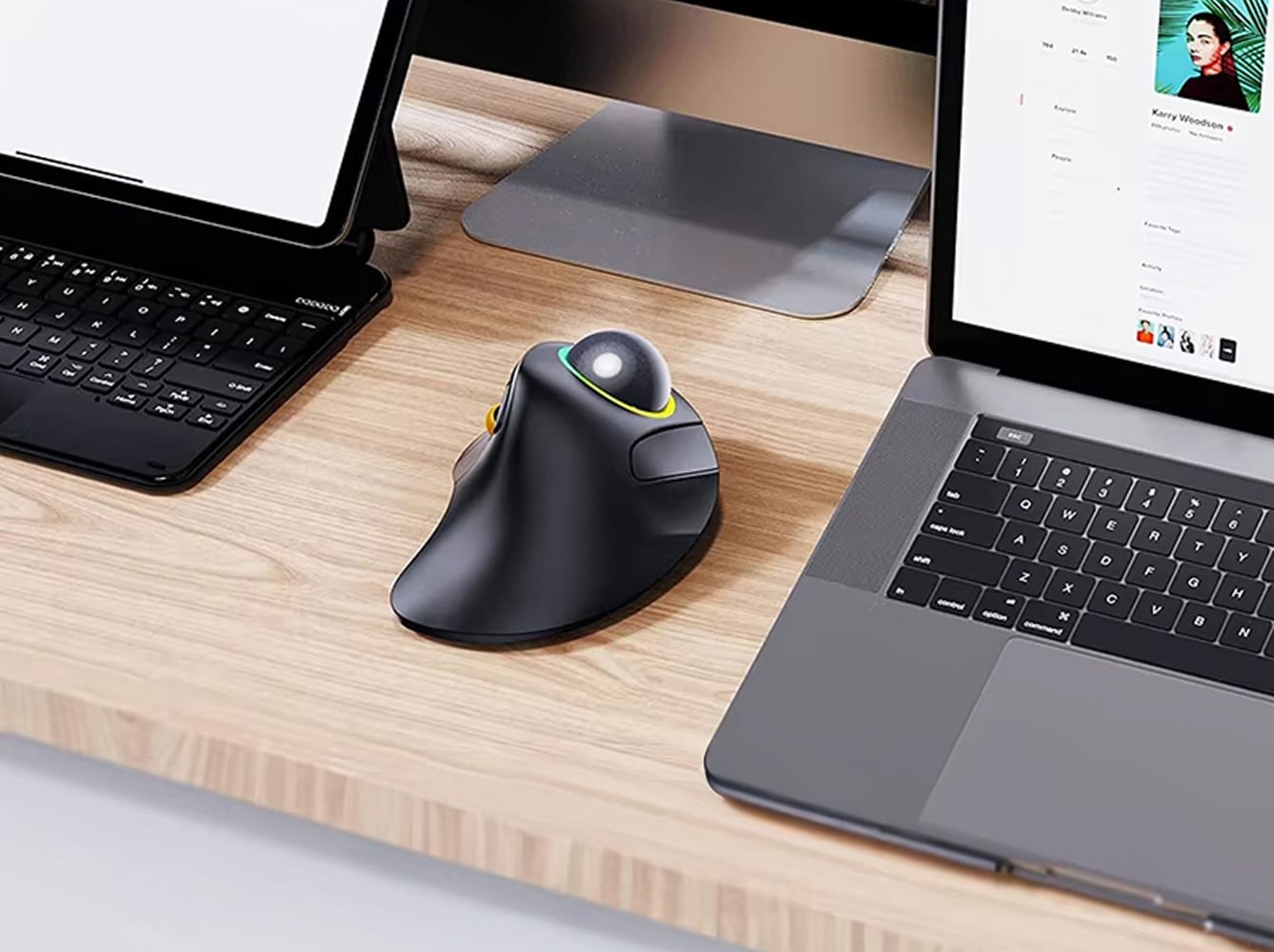
Seamlessly control up to three devices simultaneously with triple connection modes, switching between your laptop, desktop, and tablet without reconnecting, perfect for modern multi-screen workflows.
RECHARGEABLE CONVENIENCE
The built-in rechargeable battery eliminates the need for constant battery replacements. Simply charge with the included Type-C cable and enjoy weeks of wireless operation on a single charge.
WHISPER-QUIET OPERATION
Work without disturbing others thanks to whisper-quiet click technology that maintains full functionality while producing minimal noise, ideal for shared workspaces, libraries, and quiet home offices.
PROFESSIONAL-GRADE SENSOR
Experience professional-grade accuracy with the Instant A704F sensor delivering 7200 DPI, 60 IPS tracking speed, and 40G acceleration, ensuring pixel-perfect precision for design, editing, and gaming.
IMAGE GALLERY
What's Included in Your Package?
Trackball Mouse
Pakaging Box
User Manual
24/7 Customer Support
We understand the value of your time. That’s why our team is trained to respond promptly and efficiently, ensuring your queries and issues are addressed without unnecessary delays.
Meet The OrbFlexi
Frequently Asked Questions
How does the index finger trackball reduce wrist strain compared to traditional mice?−
The 44mm trackball allows you to control cursor movement with just your index finger, eliminating repetitive wrist and arm motions that cause strain and fatigue during extended use.
Can I use the OrbFlexi Trackball Mouse with multiple computers simultaneously?+
Yes, the OrbFlexi connects to three devices via 2.4G USB dongle and two Bluetooth channels, allowing seamless switching between computers, tablets, and laptops without reconnecting.
How long does the battery last on a single charge?+
The rechargeable battery provides several weeks of typical use on a single charge. Recharge easily using the included Type-C cable whenever needed for uninterrupted productivity.
Is the trackball easy to clean and maintain for smooth operation?+
Simply remove the trackball periodically and wipe both the ball and socket with a soft cloth to remove dust and oils, ensuring consistently smooth rolling performance.
What DPI settings are available and how do I adjust them?+
Five DPI levels are available: 100, 200, 400, 800, and 1600. Press and hold the scroll wheel and right button simultaneously for five seconds to cycle through settings.
Does the OrbFlexi work with Mac, Windows, and other operating systems?+
The OrbFlexi works with Windows, Mac, Linux, and most operating systems. Note that forward/backward buttons may have limited compatibility with Mac OS in some applications.
How do I switch between different connected devices?+
Device switching is managed through the connection mode buttons. Press the designated button to instantly switch between your 2.4G connection and two paired Bluetooth devices.
Is the mouse suitable for both work and gaming applications?+
Absolutely. The high-precision sensor and adjustable DPI make it excellent for detailed design work, while the ergonomic design and responsive trackball suit extended gaming sessions comfortably.
TOP #1 Trackball Mouse
Trusted by Thousands of Satisfied Customers
Michael Chen
After years of wrist pain from traditional mice, the OrbFlexi has been life-changing. The index finger control is intuitive and my arm fatigue disappeared within days of switching.
Jennifer Rodriguez
I love switching between my work laptop and personal desktop seamlessly. The ergonomic design keeps my hand comfortable during 10-hour workdays, and the battery lasts forever.
David Thompson
As a graphic designer, precision matters. The OrbFlexi delivers exceptional cursor control with the trackball while the whisper-quiet clicks don’t disturb my colleagues in our shared studio.